This site is intended for the staff, actively employed or contracted to the Enforcement companies (below), clients of the companies and approved employees of those clients.
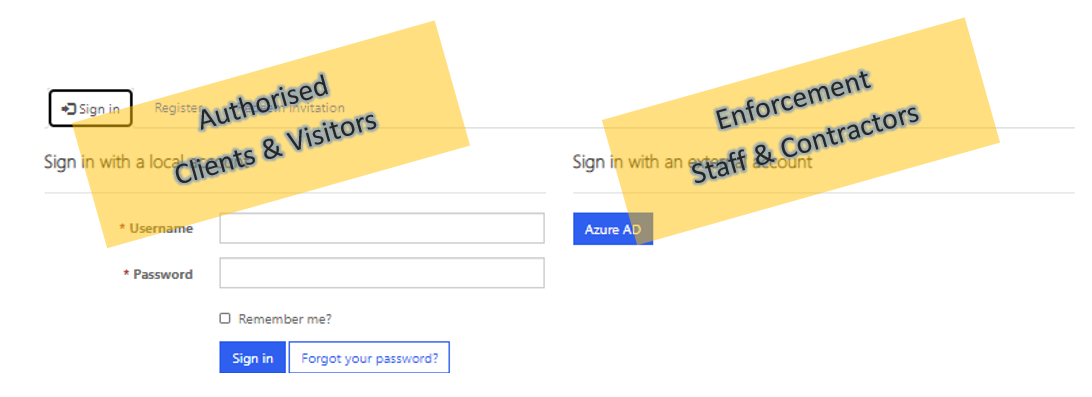
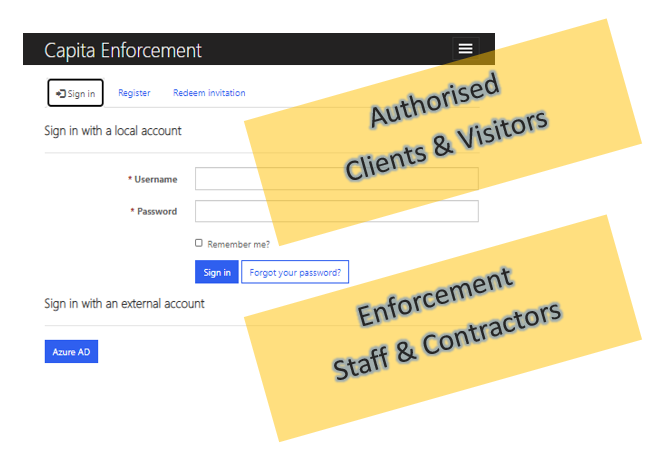
To use this website, please click the "Sign In" option at the top right of the page (or under the three-bars, for mobiles devices) and select the appropriate method for the type of account that you have been provided.
PC/MAC Website Access
Mobile Devices
Self Service Account Management
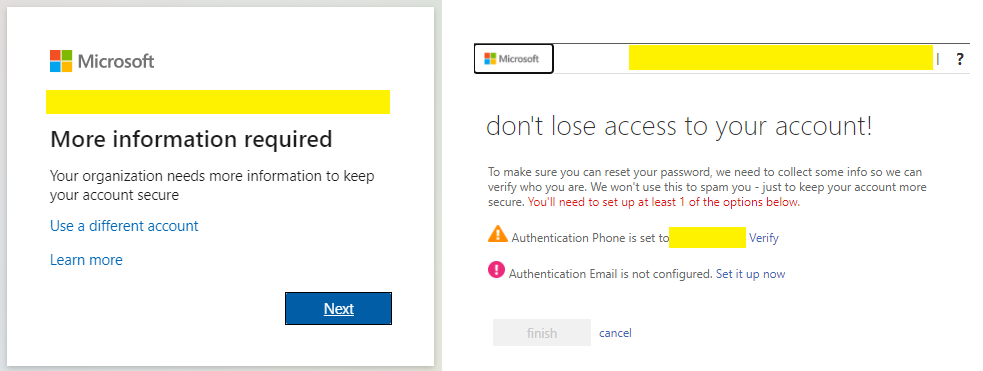
AzureAD users who are signing in for the first time after SSAM has been enabled, will be prompted to identify a secondary identification method, whereby an automated SMS and/or eMail can be delivered with a code to assist with the forgotten password process. Users should click the 'verify' option which will request a contact mobile number and send an initial code to confirm the correct number for future use.